

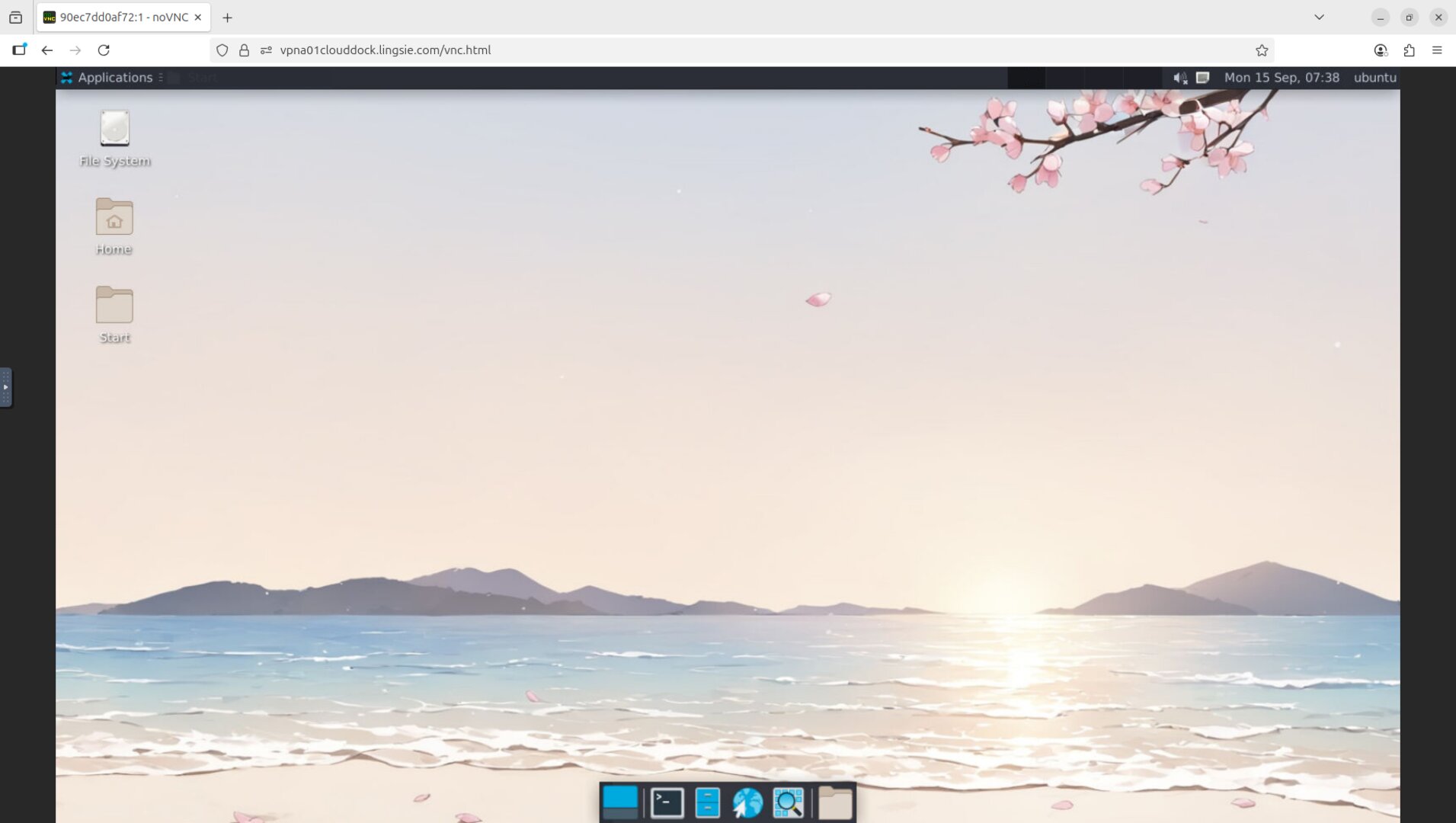
What the club gets
- Full GUI desktop in every container (noVNC remote desktop).
- Jupyter-ready environment for ML/Kaggle workflows (DeepSpeed container).
- GenAI & training workflows (A1111 image generation, Kohya-based training WebUI).
- Predictable runtime: choose duration; dashboard shows exact end time.
- 15-minute warning: XFCE desktop notification before shutdown.
- Auto-destroy on end: containers are destroyed at end time; data is not recoverable.
Environments (containers) with previews
CloudDock provides multiple purpose-built containers. All run inside a full GUI desktop, so members can work like on a normal computer — clipboard copy/paste, browser-based file transfer, and visual tools.
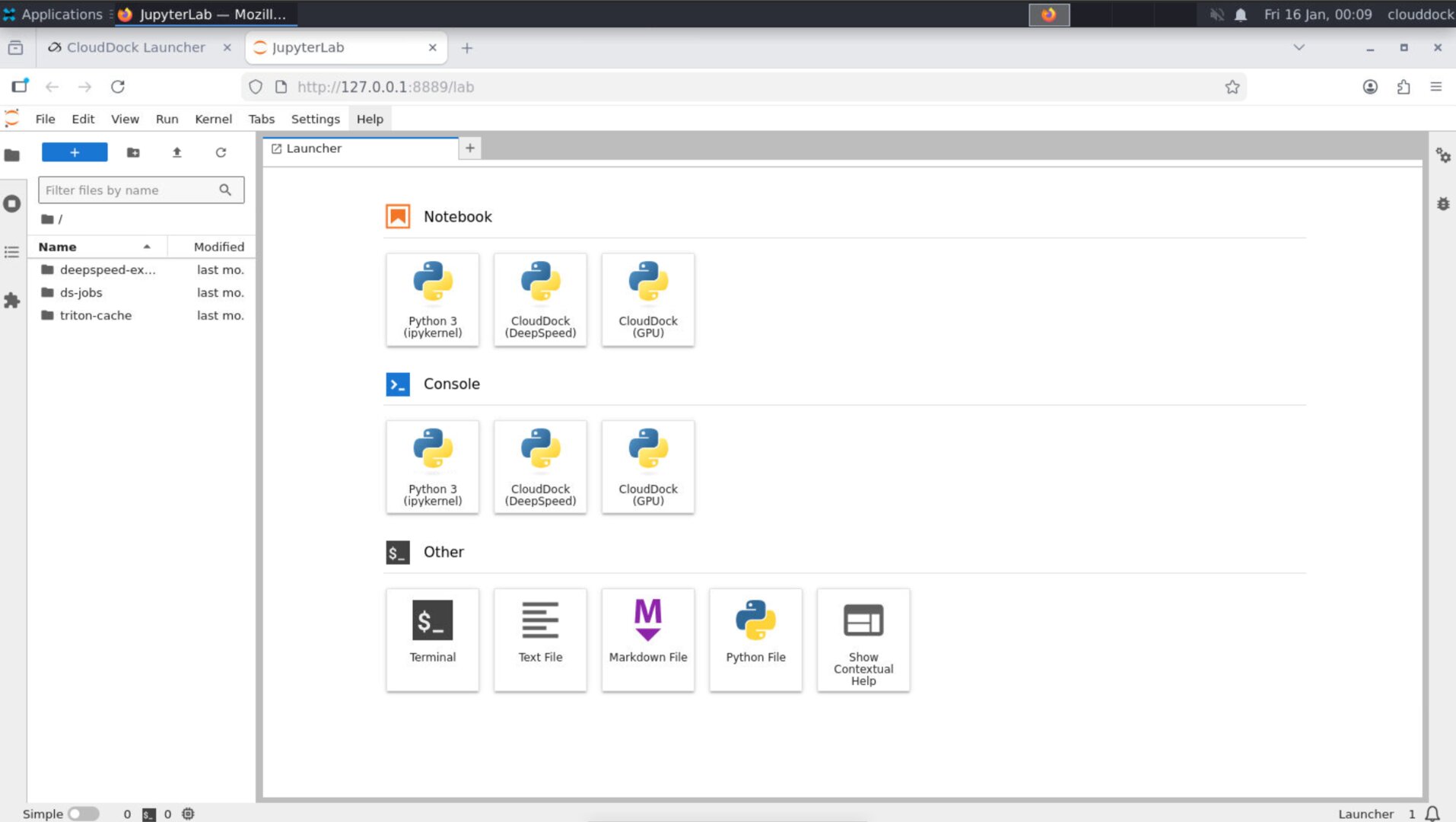
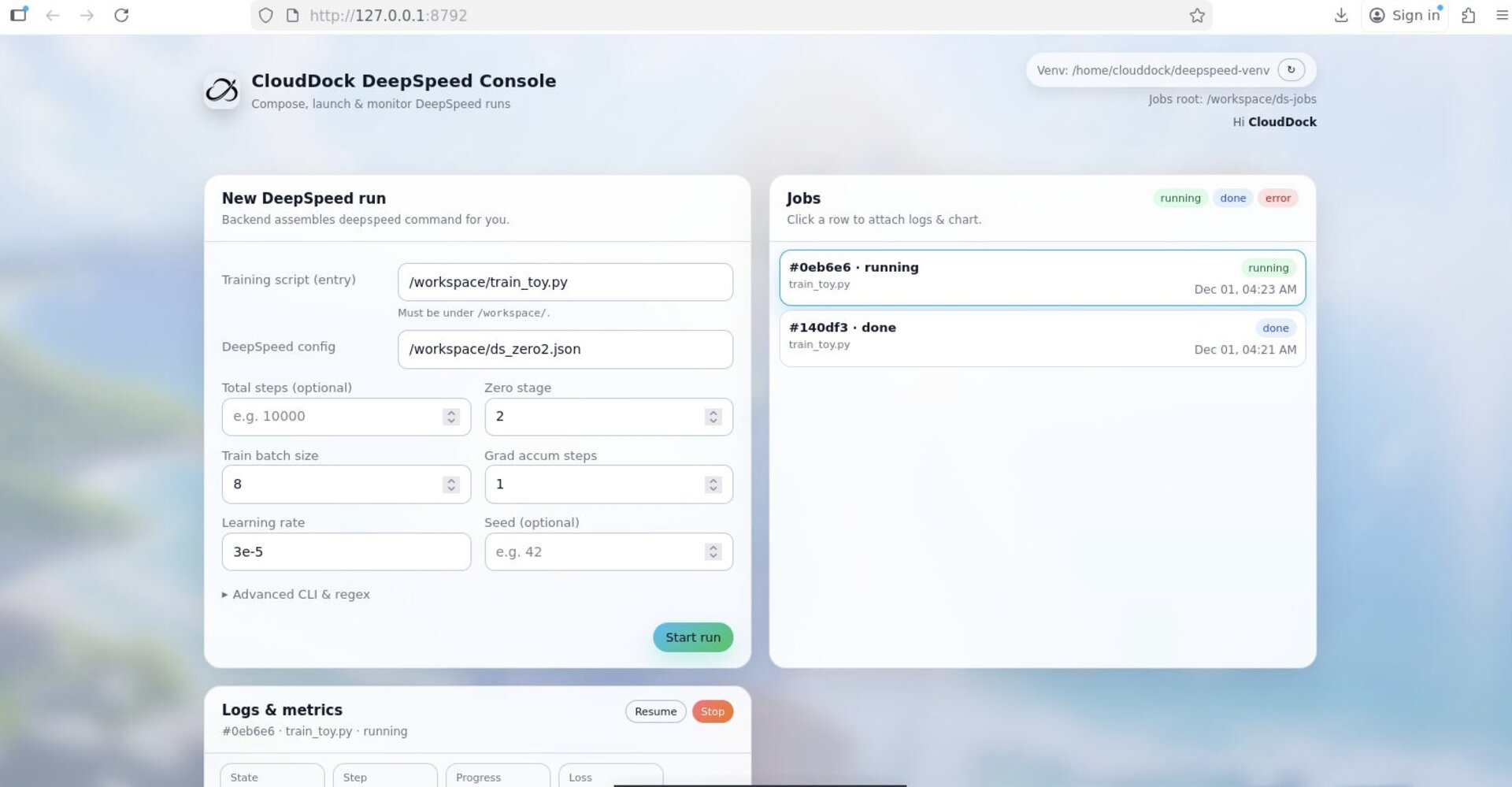
CloudDock DeepSpeed DS&AI / Kaggle
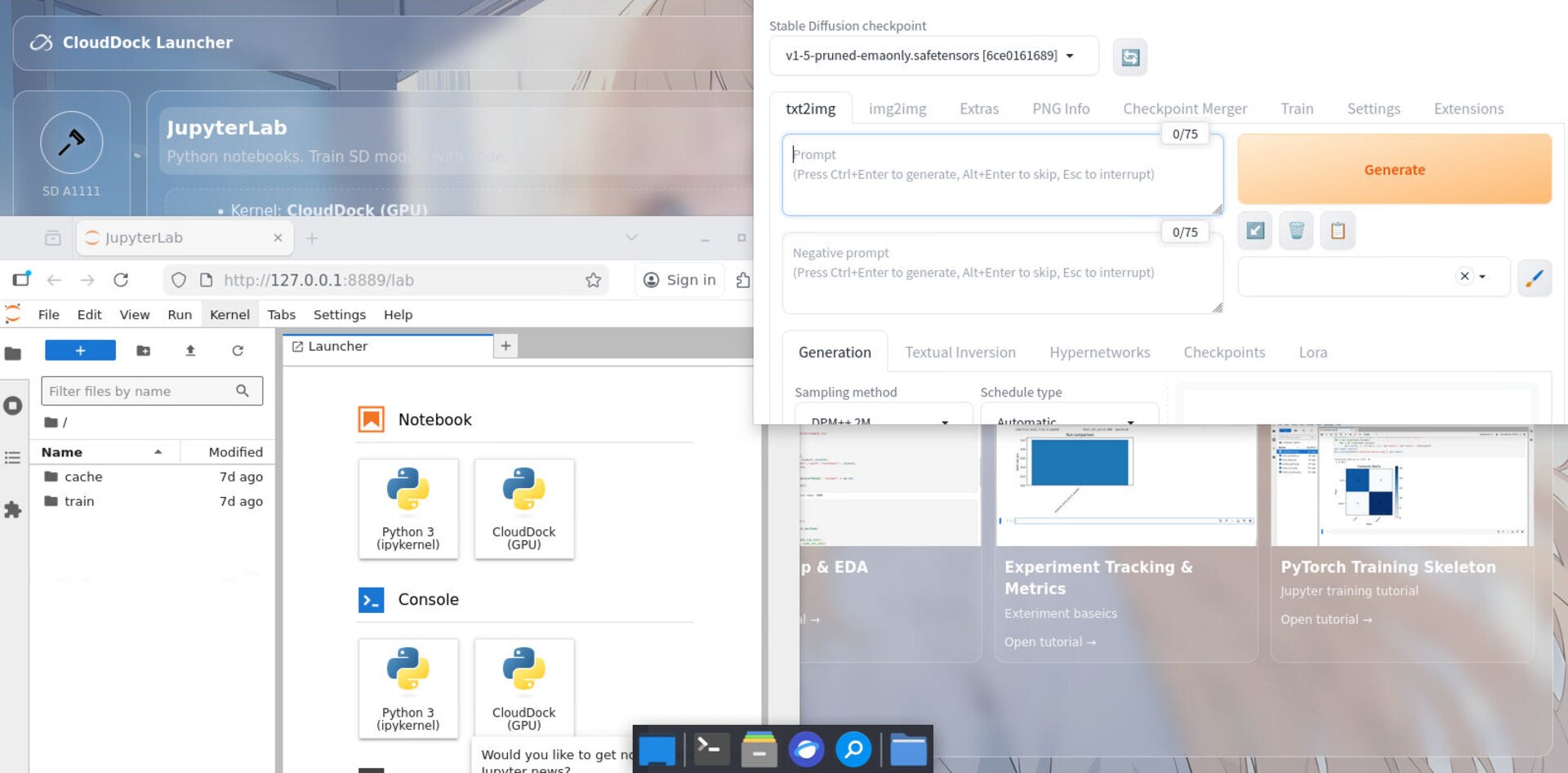
Prebuilt Jupyter + ML/Kaggle environment for coursework and projects. Includes DeepSpeed Kernel and CloudDock DeepSpeed Console WebUI so members can start training without heavy CLI workflows.
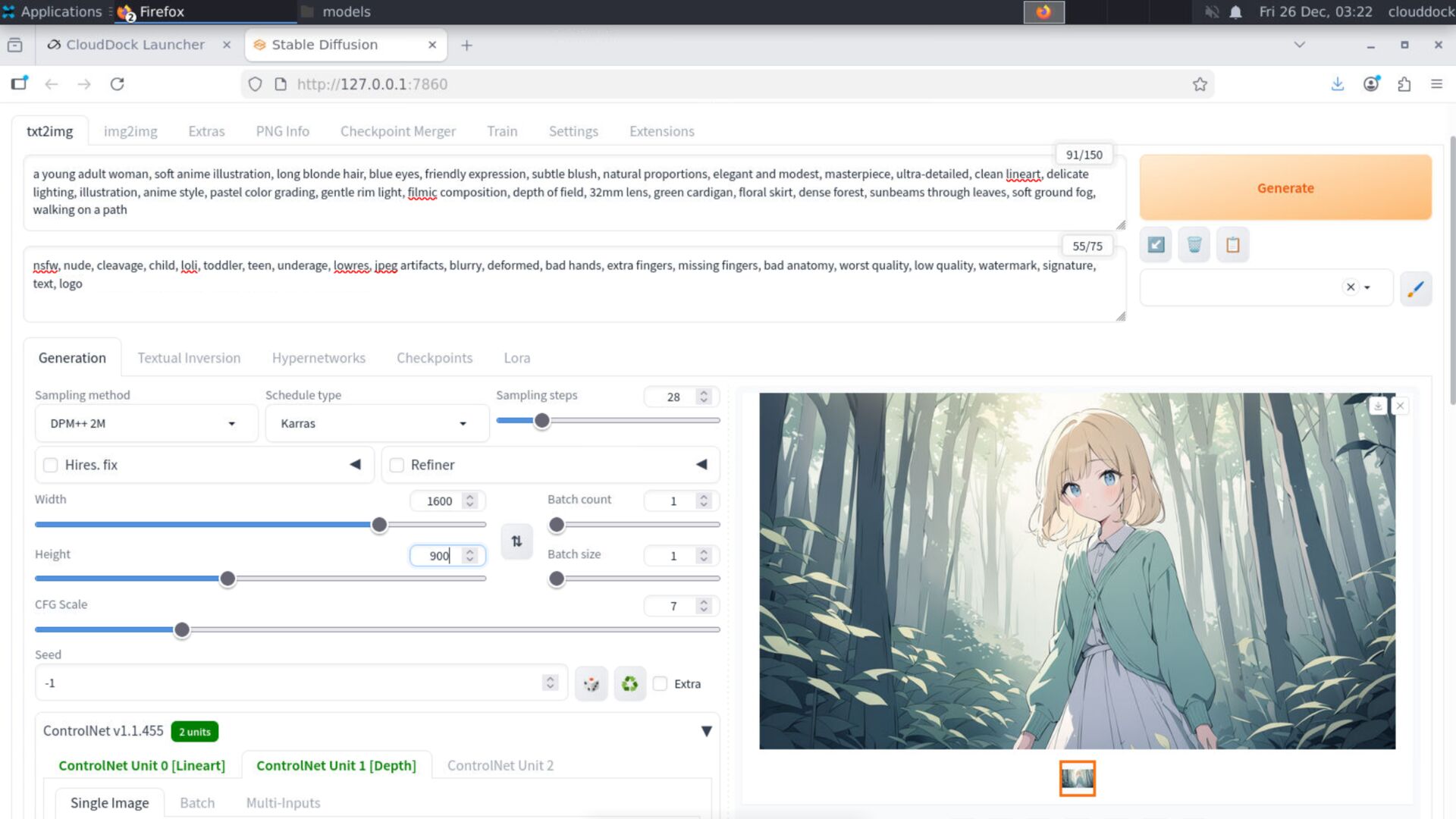
CloudDock Universal GenAI / Demo
CloudDock Universal focuses on Stable Diffusion A1111 image generation, plus a lightweight Jupyter option. Great for workshops, demos, and rapid prototyping.
CloudDock SD Training Center (In CloudDock Universal)Kohya WebUI
WebUI-based training workflow based on Kohya. Designed for LoRA / finetune-style training with visual controls and a guided process.
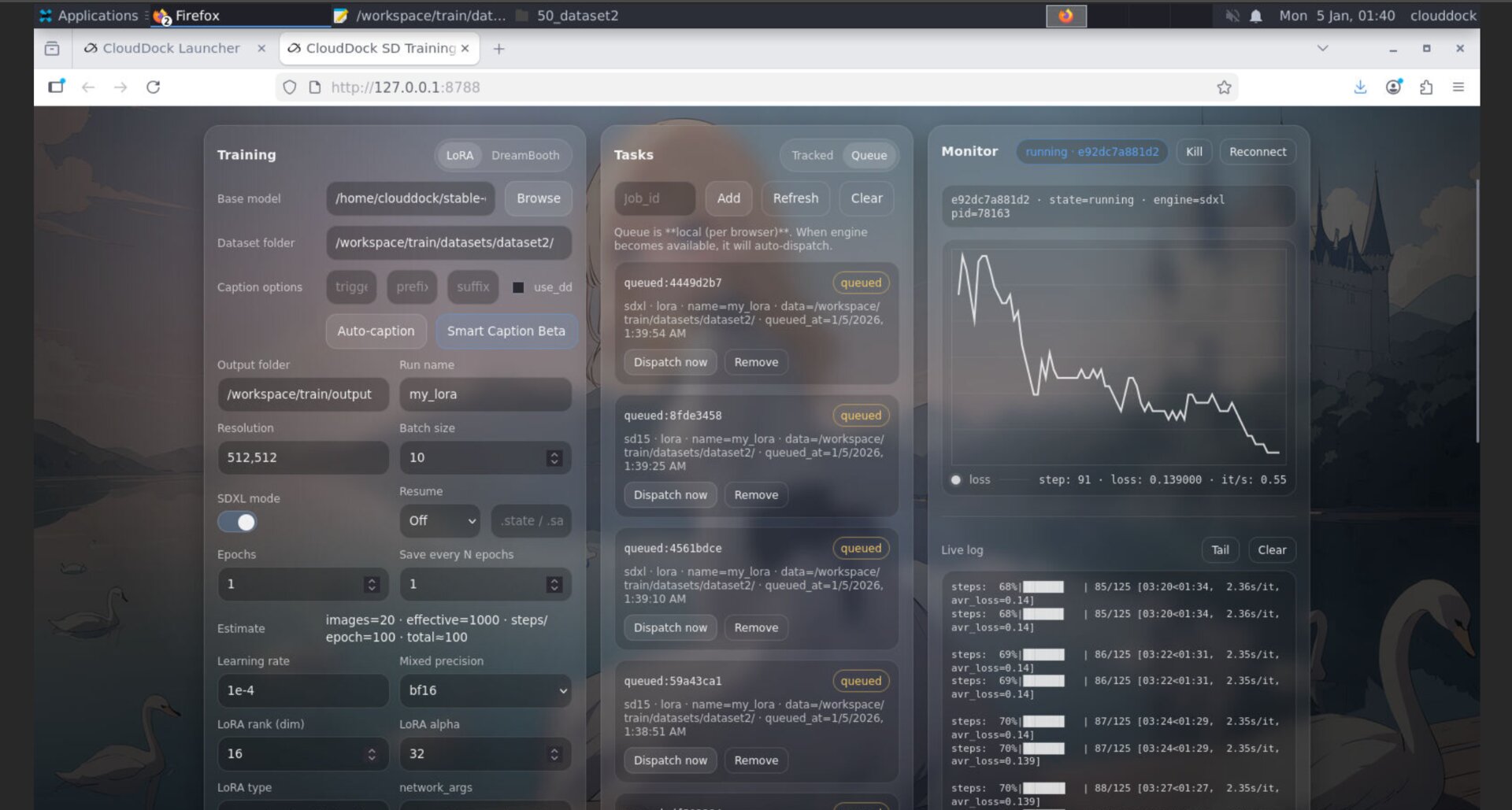
Full GUI experience (like using your own computer)
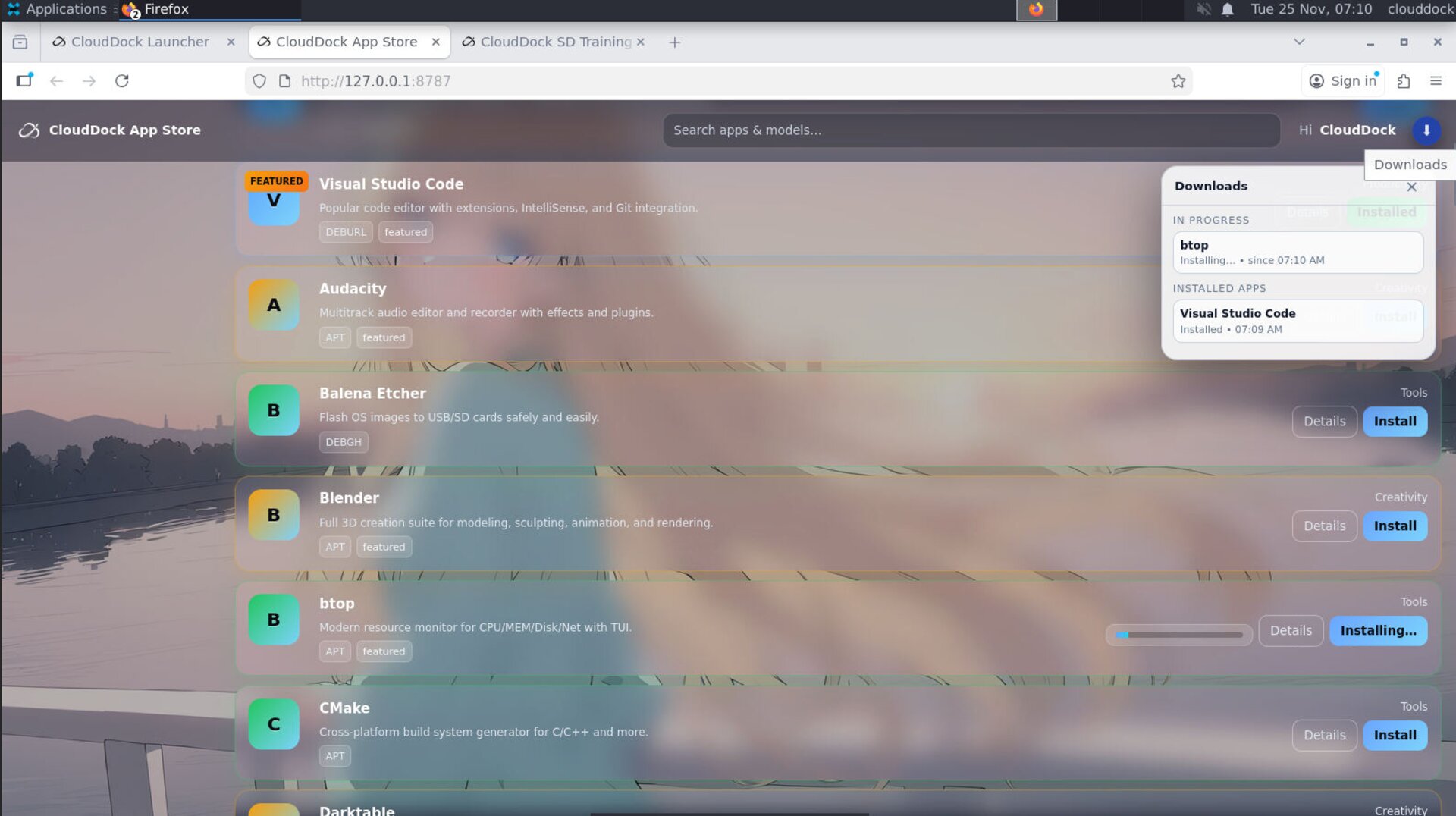
apt/deb packages.
- Clipboard support: copy/paste text between your computer and the container.
- File transfer: use the built-in Firefox for uploads/downloads; web browsing is available.
- No CLI required: GUI-first tools are available across containers (including training flows).
Predictable runtime (no surprise kick-offs)
- You choose the duration. If you have credits, your session runs for exactly the time you set.
- End time is explicit. The dashboard shows the exact end time.
- 15-minute warning. An XFCE desktop notification appears before shutdown.
- Auto-destroy at end. When time is up, the container is destroyed and data is not recoverable.
- CloudDock Intelligent Dog™ monitors dangerous commands/processes; in normal timed shutdowns, it is destroyed with the container.
Security policy details are described in the Terms of Service.
How to activate (Discord, text-only)
- Create a group DM with Officer + VP/Advisor + CloudDock → /chat.
- Share the club roster (pilot access list; credits are club-managed — policy TBD).
- Pick a 20-min text onboarding slot (we post the tutorial link; Q&A in the thread).
FAQ
Do members need Linux experience?
No. Every container includes a full GUI desktop. Members can work like on a normal computer and use WebUIs or Jupyter.
How do we upload/download files?
Use the built-in Firefox inside the GUI desktop. Clipboard copy/paste for text is supported as well.
Will sessions end unexpectedly?
CloudDock is designed for predictable runtimes: you set the duration and the dashboard shows the exact end time (15-minute warning included).
What happens to data after the session ends?
Containers are destroyed at end time and data is not recoverable. This is part of CloudDock’s security model.